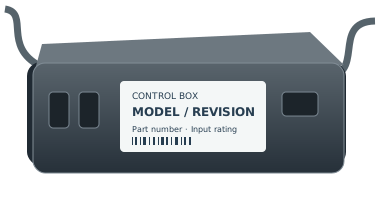
Control box family
Kaidi KDDY109C(B)
Use the model, PCBA number and program together. The display name combines separate source fields and is not a part number. Generic family identifiers cannot establish this sample configuration.
Identify the exact part before replacing it
Use the model, PCBA number and program together. The display name combines separate source fields and is not a part number. Generic family identifiers cannot establish this sample configuration.
Replacement fit is not confirmed by the family name. Copy the full part number and revision from the remote back, battery compartment or accessible control-box label. If it is unsafe to reach a label, ask for help.
For support, record the complete remote and control-box labels, base model, revision and observed symptom. Ask the manufacturer to confirm a directed replacement and any pairing or feature limitations in writing.
Revision matters
Confirm the complete model, revision, connector configuration, and part number. A similar connector alone won’t confirm a match.
Check this control boxControl-box versions
KDDY109C(B) / KD3175 / 001751A
Part numbers: Unconfirmed · Revision: 001751A
Check this exact version →Not sure where to look?
Here are the most common places to find your model or part number.
1
On the remote
Look on the back of your remote for a model number, FCC ID, or part number.
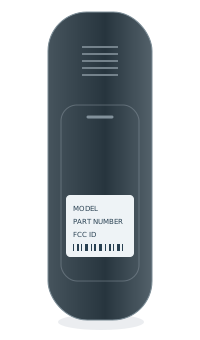 BACK OF REMOTEModel numberPart no. / FCC ID
2
Inside the battery cover
Some model numbers are printed inside the battery compartment.
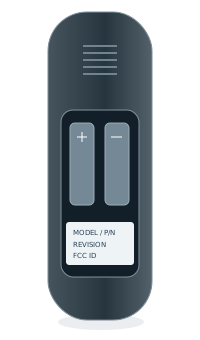 INSIDE BATTERY COVERModel numberPart no. / FCC ID
3
Under the bed base
Look for a label on the control box or frame, usually near the head section.