
Advanced Ergo Wireless
Confirm the label on your exact base.
Identification guideView modelIdentify remotes, control boxes, and replacement paths
for your Tempur-Pedic adjustable base.
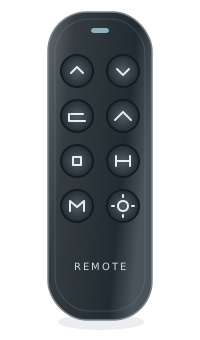
Choose your brand and model if that’s what you know.
Use the model number printed under the base.
Search by remote model, FCC ID, or part number.
Confirm the label on your exact base.
Identification guideView modelConfirm the label on your exact base.
Identification guideView modelHere are the most common places to find your model or part number.
Look on the back of your remote for a model number, FCC ID, or part number.
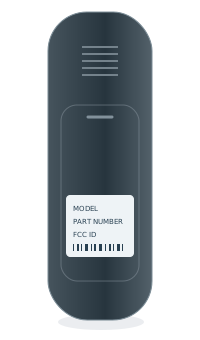 BACK OF REMOTEModel numberPart no. / FCC ID
Some model numbers are printed inside the battery compartment.
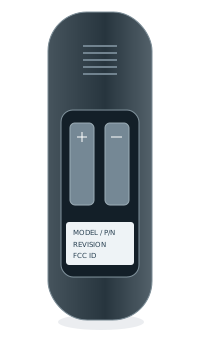 INSIDE BATTERY COVERModel numberPart no. / FCC ID
Look for a label on the control box or frame, usually near the head section.
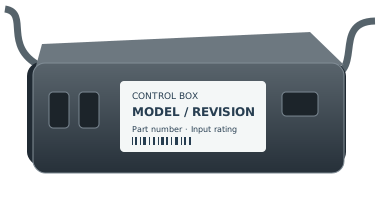
A similar shape or button layout does not confirm compatibility. Check the full part number and a documented replacement path for your exact system.
Treat it as a different variant until the manufacturer or another reliable source confirms the replacement.
Some systems support a remote-only replacement. Others need a matched control box and remote. We only recommend a path when it has enough evidence.
Start with the control box route. Enter the manufacturer, complete model, and revision from its label.